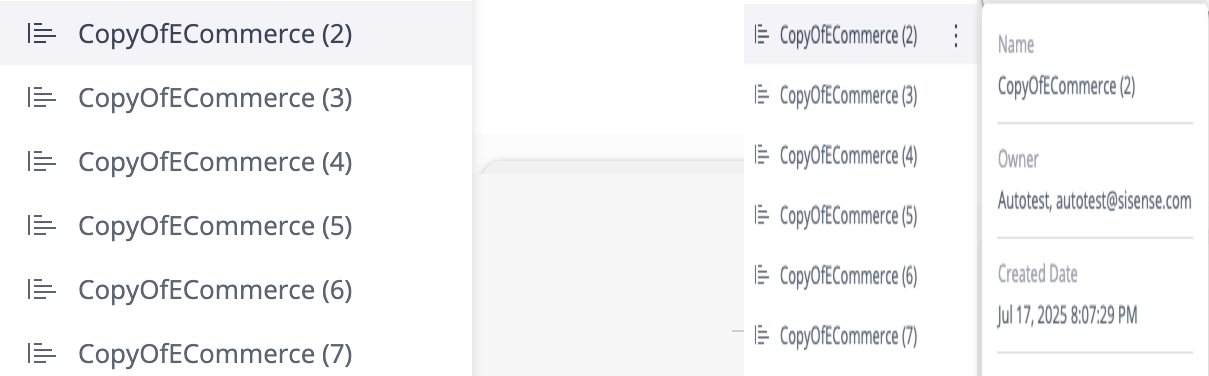
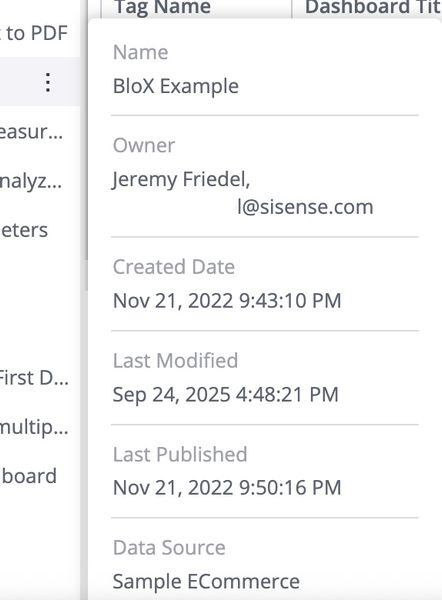
Many companies and organizations prefer a simpler, cleaner navigation experience for viewer users. By default, the Sisense left side dashboard navigation displays a three-dots “more” menu and a dashboard metadata tooltip when hovering over items. These hover interactions are helpful for admins and authors, but can distract viewers, who typically only need to open dashboards and folders and are not concerned about dashboard metadata containing information such as the dashboard's author and the last edit date. The three-dot menu contains options such as export and duplicate that may not be relevant to viewers. This use case includes a lightweight plugin that disables these hover features for viewers while keeping the full navigation experience for admins and other roles. The result is a more focused interface for users who view dashboards, without altering permissions or access.
Updated 10-31-2025
Version 1.0

