Add Data > Microsoft SQL Server > Connect To Server
Pull in Sales Order Header Table

"How are we going to manipulate that table to get it into a format that we would want to work with?"
Uncheck fields that you don’t need; looking for high-level/important data


BUILD!
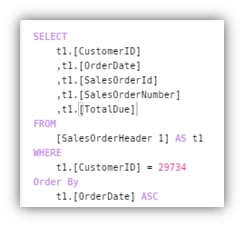

What we are getting here a single customer’s activity. It also orders the Order Date in ascending order (from first date to last)
"For this specific customer, I want to be able to see __ amount of days between each order.
How can we compute / compare those dates?
In order to do so, we want to take the order table and join it to itself, where the customer is the same and the order date is offset to the previous or future date."
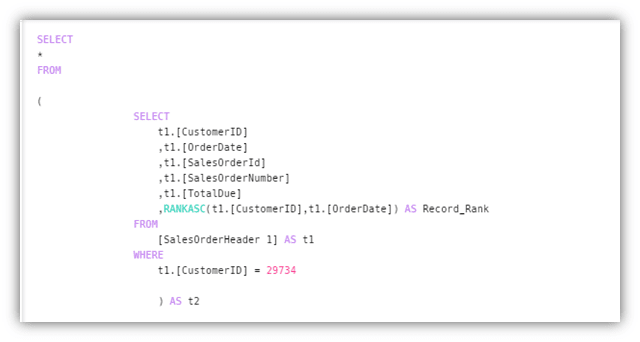
So, let’s start by leveraging the rank function to assign an order number to every date…

The Rank function is important here because within the Customer ID, we want to rank based off the order date, group it per customer, and order by the order date.
This basically creates create a system that makes it so that it is comparing itself to itself minus 1.
This is what sets up our ranking per order.
In order for us to join the table to itself, let’s create a sub query and inside of it, put the entire Customer’s table:
(Type Of Join:)
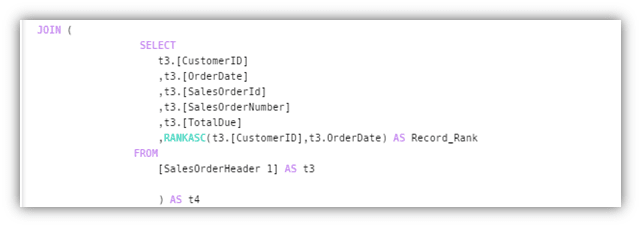
What it’s getting joined on:

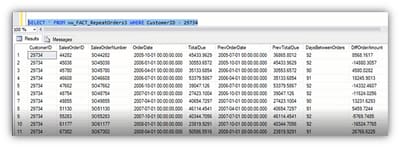
Result:
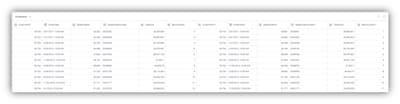
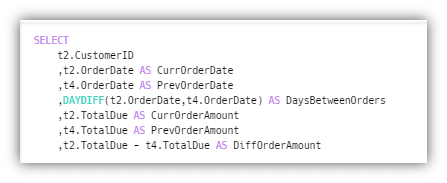
Now you would want to go back to the top; the first “Select” of the sub query and change the claims to:
Preview:
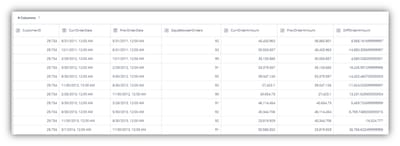
Now that we saw that this function is working, we can now delete our customer filter, order by filter.
Now we get all the differences across all of the customers.
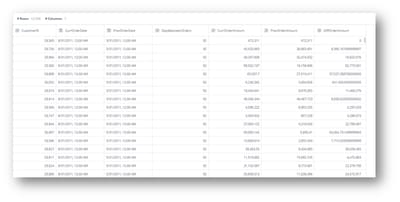
The main issue with this solution is that it requires a lot of processing due to the two tables. Although we are really using one table, we still have two and the same data is repeated between them. This extra storage isn’t necessary, creates the long processing, and can also create confusion for the customer.
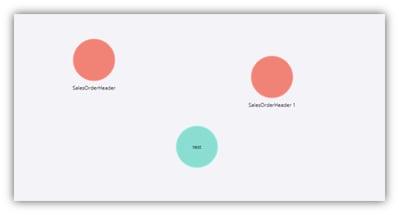
To improve upon the last solution, is there a way to pull in one table and do the manipulation in Sisense, without creating a second table?
Answer: Yes! What we can do is take the custom table and add it as a view to the source; that way we only import one table
BUILD!
For us to do a look up on this table, we need to have need to have one key to join. The key is a combination of the customer ID + ranking, that’s what makes it unique.

BUILD
Add Data > Custom SQL Table
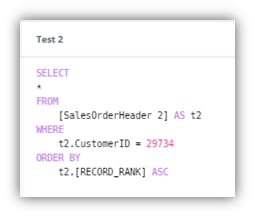
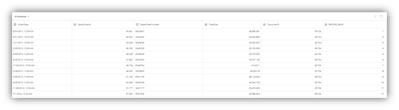
+ New Field > CurrCustomerRankKey (Text)

Do Entire Build

+ Custom SQL Expression > Test Function

+ New Field > PrevOrderDate (Date-Time)

+ New Field > PrevTotalDue (Float)

+ New Field > DaysBetweenOrders(Int)

+ New Field > DiffOrderAmount

Schema Build:
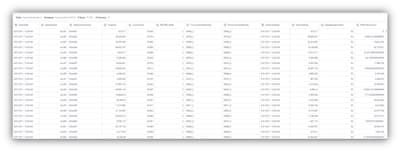
This solution does not include a self-join
Go to same database (Adventure Works 2012) > create new query
Let’s start off the new query as:
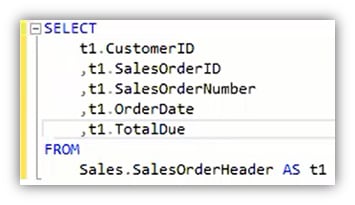
Now we want to dynamically compare one against the other. Instead of doing a self-join, it tells itself to look at the look at the record/number that is above or below and just pull that value in.
So it’s almost like a lookup , but it doesn’t require a join , it just requires you to tell it how to sort the data and just dynamically go up and go down and pull the field that you want in to the current record.
This is where the LAG & LEAD functions step in
To go back a record, we call the LAG function. Within the LAG function, we must define the field that we want to pull in (order date) and how many records back do you want to go (1). Next we want to group by (partition by) and Order By a type of variety and then order it either ASC / DES.
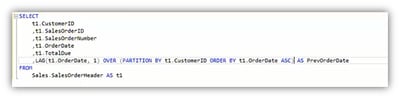
To make our “look up” a bit more distinct we can
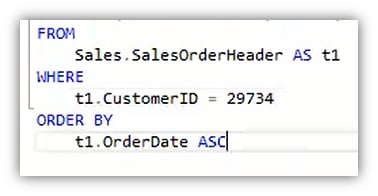
Result:
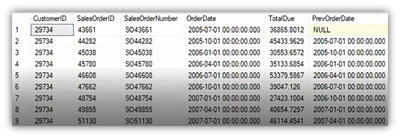
If we want to compare up against future dates, we would use:

And its result would be:
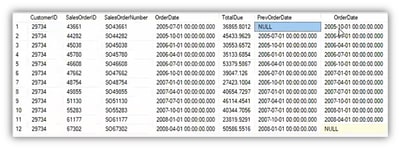
What we can also pull in the Total Due and calculate the previous Total Due:

Which would require a sub query:

To get of the first null, we would enter:

Pull in everything from t2.* and now we can calculate our differences (Date Diff, etc):

As for getting this entire query into Sisense, we want to create a View